35MM FILM BORDER
Give any digital photo the full-frame film scan look
Sprocket holes, yellow edge printing and running frame numbers — the whole 35mm negative border, wrapped around your photo and baked into the exported JPEG. Free, and it all happens in your browser.
Before / after
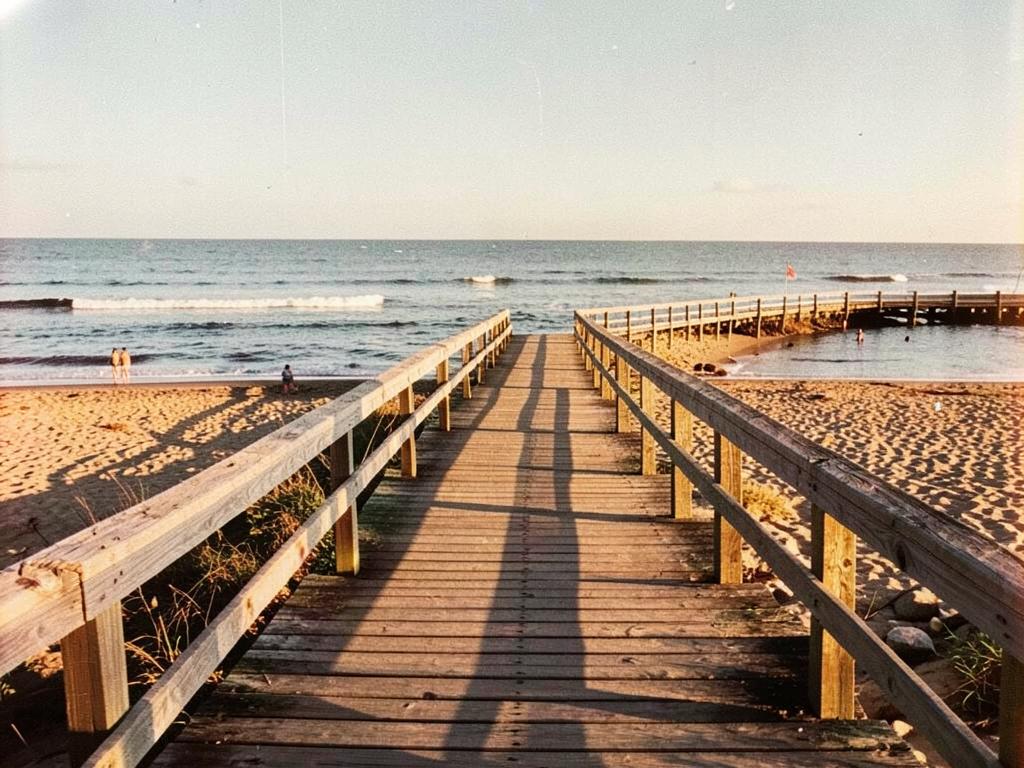
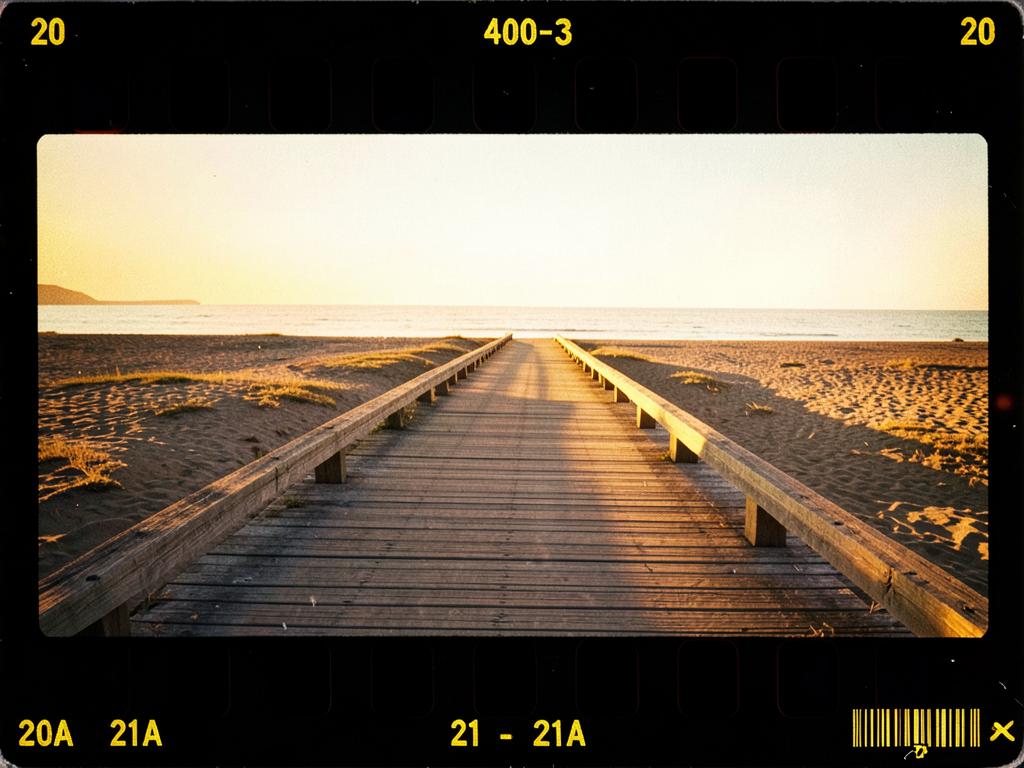
What you get
Real perforations
Rectangular sprocket holes sit along the film bands like a true full-frame scan. Edge printing always lands in the clear rebate between them — never across a hole.
Yellow edge printing
Film stock codes, frame numbers, alignment arrows and DX-style barcode ticks rendered in that unmistakable amber ink-stamp yellow.
Sequential frame numbers
Numbers run across your batch like a real roll — starting at 0A, then 1, 1A, 2 — or randomise per photo.
Follows your photo
Bands wrap top and bottom on landscape shots, left and right on portraits. Nothing is cropped, distorted or letterboxed.
Adjustable rebate
A slider controls how much of your photo shows through the film bands, from solid black to translucent negative base.
Baked into the export
The whole composite — photo, border, perforations and edge text — is rendered into the final JPEG at full resolution.
How to use it
- 1.Open QuartzLab '99 and add your photos — JPEG or RAW, one or a whole batch.
- 2.Tick 35mm film sprocket border in the settings panel.
- 3.Pick sequential or random frame numbers, set your stock code, and tune the rebate opacity.
- 4.Export — every photo downloads with its own place in the roll.
Pair it with an amber LED date stamp for the full 90s look — see how to date stamp photos.